Anywhere in the world
RoboCloud Online
Live robotics classes from home, anywhere in the world. Families anywhere who want a serious, structured robotics class from home.
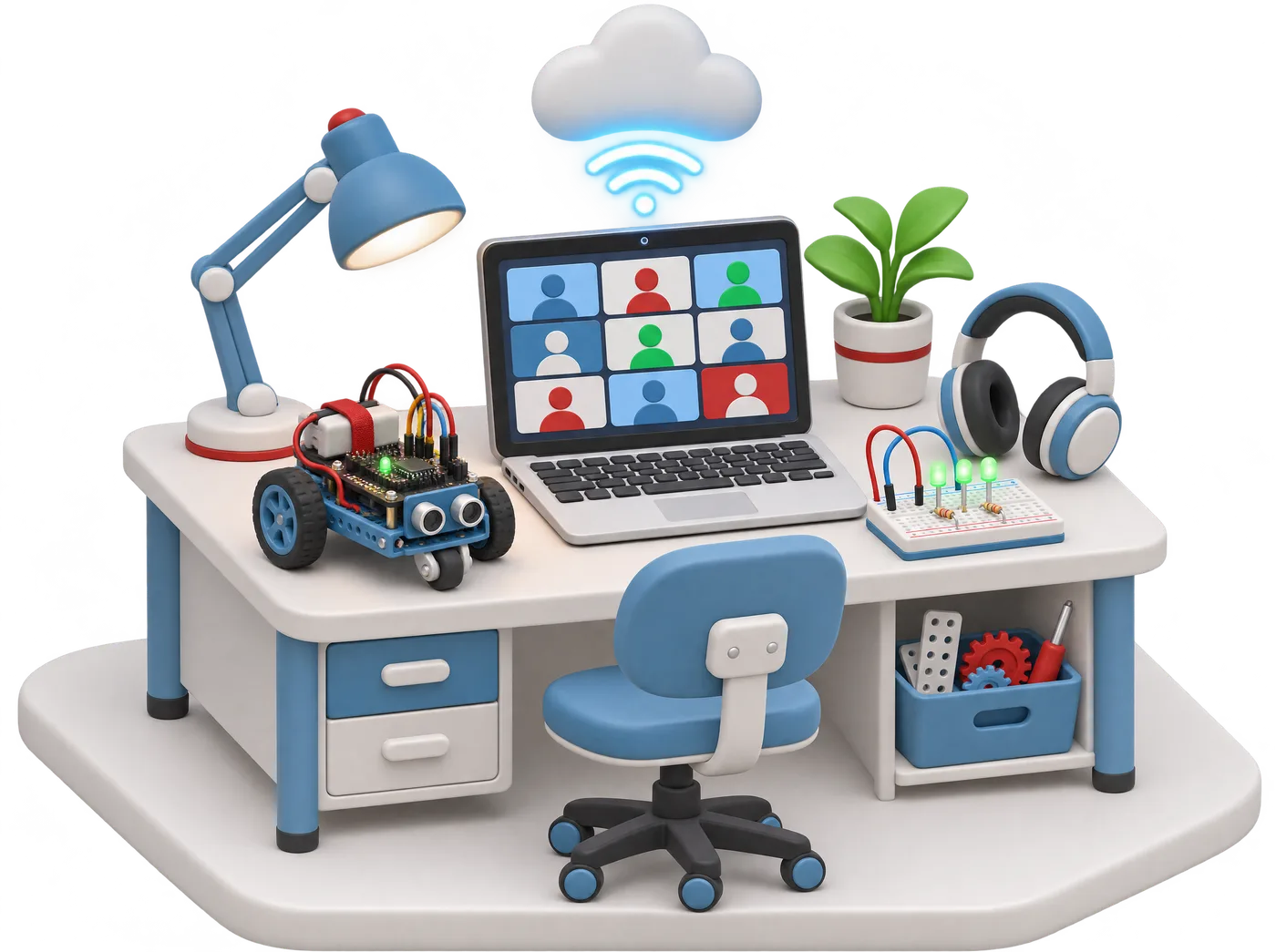
What's included
- 6 hours of live online classes with a Maple Mind instructor
- 6 hours of on-demand video lessons, assignments, quizzes and build tasks
- Placement by age and skill level, not grade alone
- XP, badges and a project portfolio your child keeps
- Progress updates for parents
- 10% off Maple Mind robot kits
A typical week
Live class
About 90 minutes with an instructor and the cohort.
Missions
About 90 minutes of on-demand lessons and builds, any time.
Lab day
Available with RoboMix Hybrid.
Who it's for
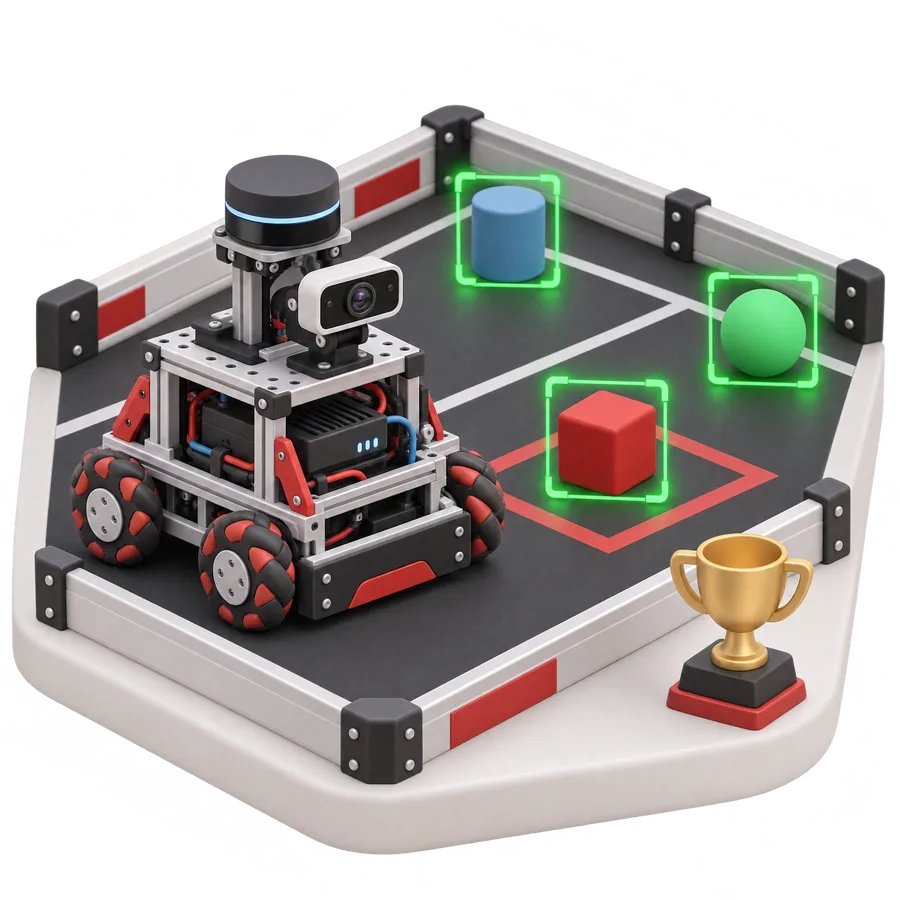
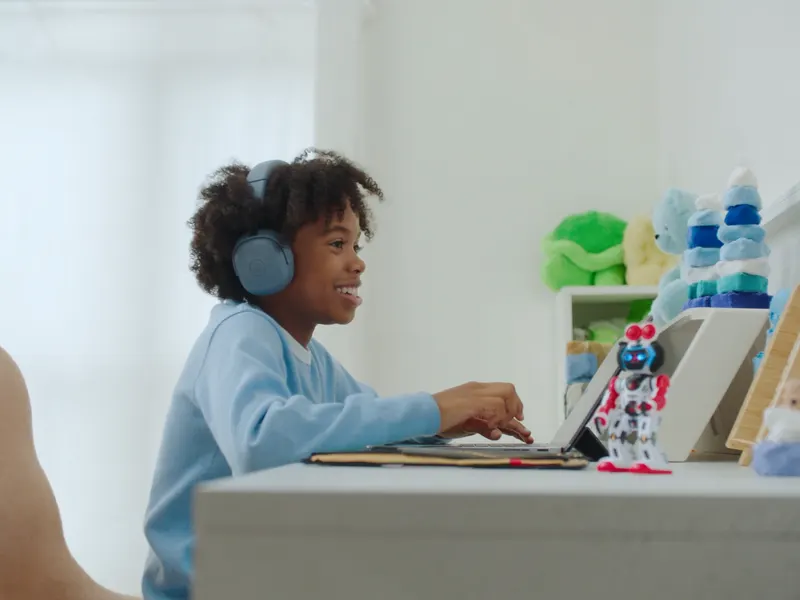
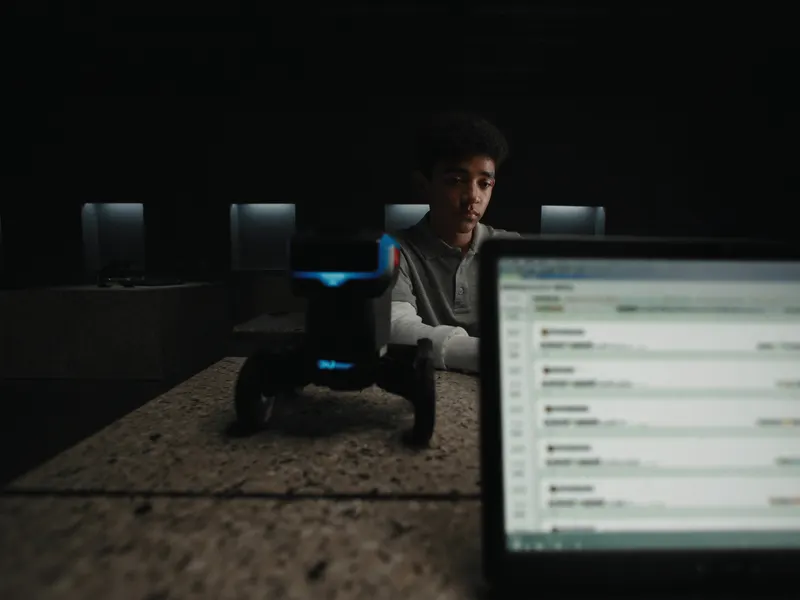
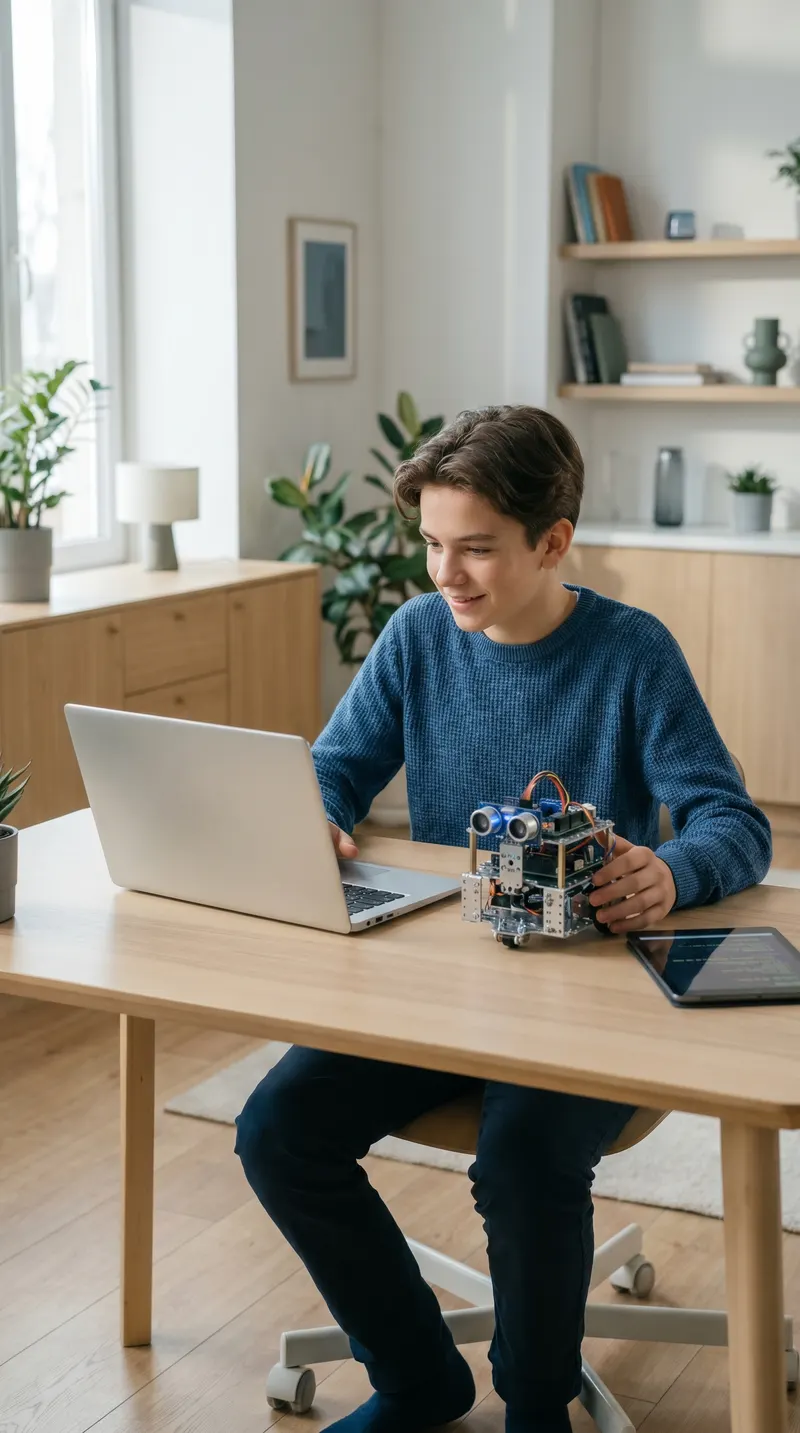
Serious robotics, without the commute.
Live classes run in your time zone's cohorts. All a student needs is a computer with a webcam and a stable connection — the robot comes later.
- Laptop or desktop with a webcam
- Headset or microphone
- Modern browser and stable internet
- A kit only from Level 3 (optional before)
Good questions.
Can students outside Canada join?
Yes. RoboCloud Online is fully online and available anywhere in the world. RoboMix Hybrid adds in-person lab time in Markham, Ontario, so it suits families in the Greater Toronto Area.
How much do online robotics classes cost?
RoboCloud Online costs $49.99 CAD a month for 12 hours of learning (6 live + 6 on-demand). RoboMix Hybrid costs $89.99 CAD a month for 15 hours: the same 12 hours plus 3 hours of in-person lab time.
When are the live classes?
Live classes are scheduled by cohort, and the six live hours are typically one 90-minute class a week. We match your child to a cohort whose time works for your time zone when you enrol.
What do we need at home?
A laptop or desktop computer with a webcam, a microphone or headset, a modern web browser and a stable internet connection. A tablet works for the youngest students, but a computer is better from Grade 3.
Is this just more screen time?
It is screen time that builds things. Live classes are interactive, and most on-demand tasks end with something your child builds, tests or explains away from the screen, from cardboard prototypes to real robots.
Does my child need a robot kit to start?
No. Beginners in Kindergarten to Grade 5 start without a kit, using block coding, a robot simulator and household materials. A kit becomes recommended in Level 3 (Vecta) and required from Level 4 (TriBot CreatR).