What we teach · K–12
A robotics path from
Kindergarten to Grade 12.
Four grade bands and five levels covering robotics, coding, electronics, mechanical design, simulation and AI. Students are placed by age and skill — and move up when they're ready, not when the calendar says so.
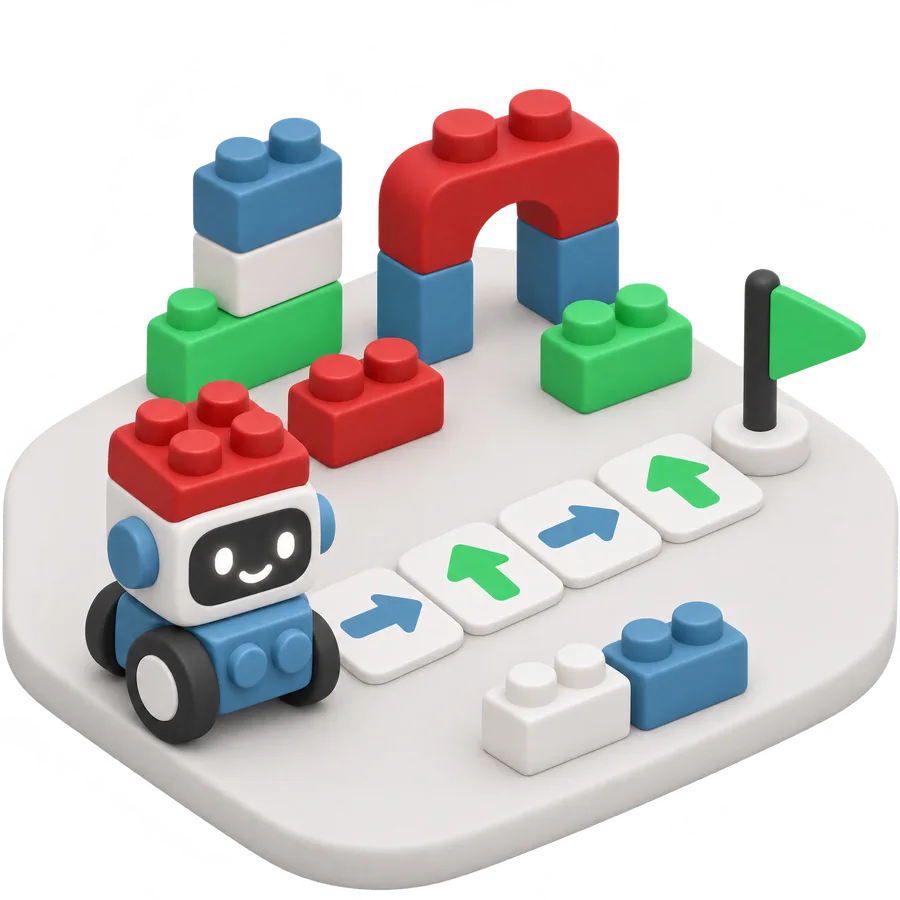
Level 1 · Ages 5–7
K – Grade 2: Explorers
First robots, big curiosity.
What they build
- Robots that follow a path of commands
- Simple machines: wheels, levers, ramps
- Story-driven build challenges
What they learn
- Sequencing and patterns
- Cause and effect
- Counting, direction and measuring
- Explaining an idea out loud
Sample project · Program a robot to deliver a 'letter' through a maze of arrows.
After 3 months: Writes short sequences and loops, and can explain what a sensor does.
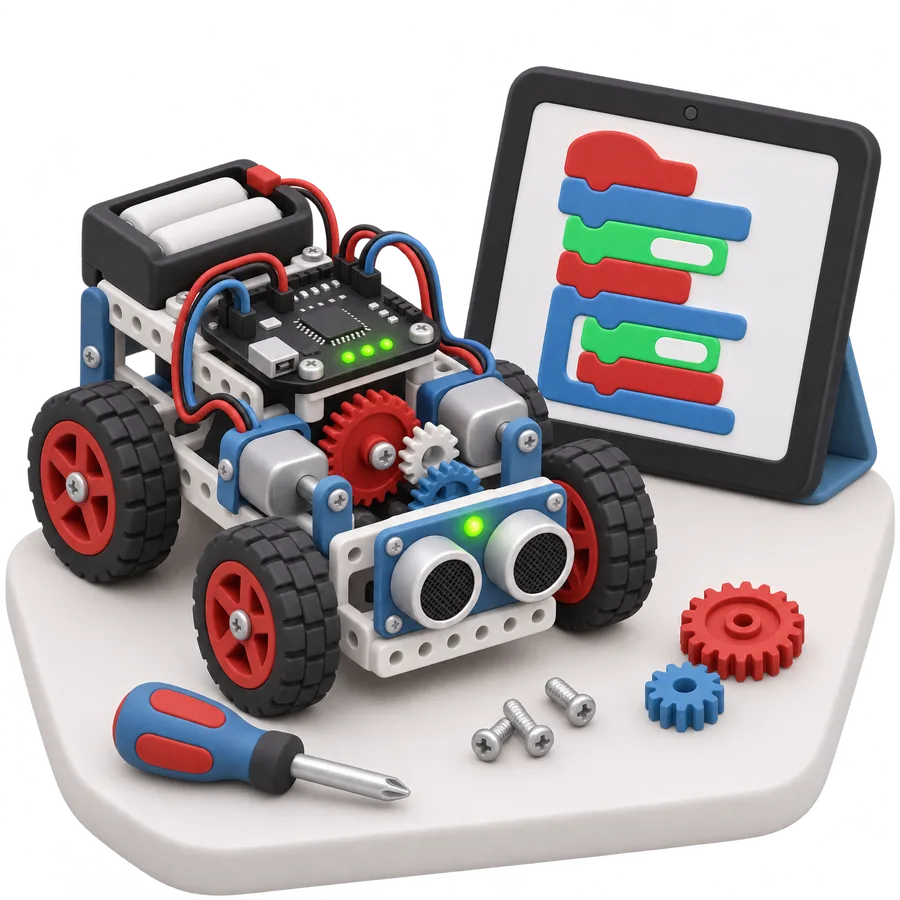
Level 2 · Ages 8–10
Grades 3–5: Builders
Gears, motors and first sensors.
What they build
- Wheeled robots with motors and gears
- Robots that stop before a wall
- Light- and sound-reactive gadgets
What they learn
- Block coding: loops, events, conditions
- Gear ratios and torque
- Reading sensor values
- Testing and fixing a design
Sample project · Build an obstacle-avoiding rover and race it through a living-room course.
After 3 months: Combines loops and conditions to make a robot react to the world.
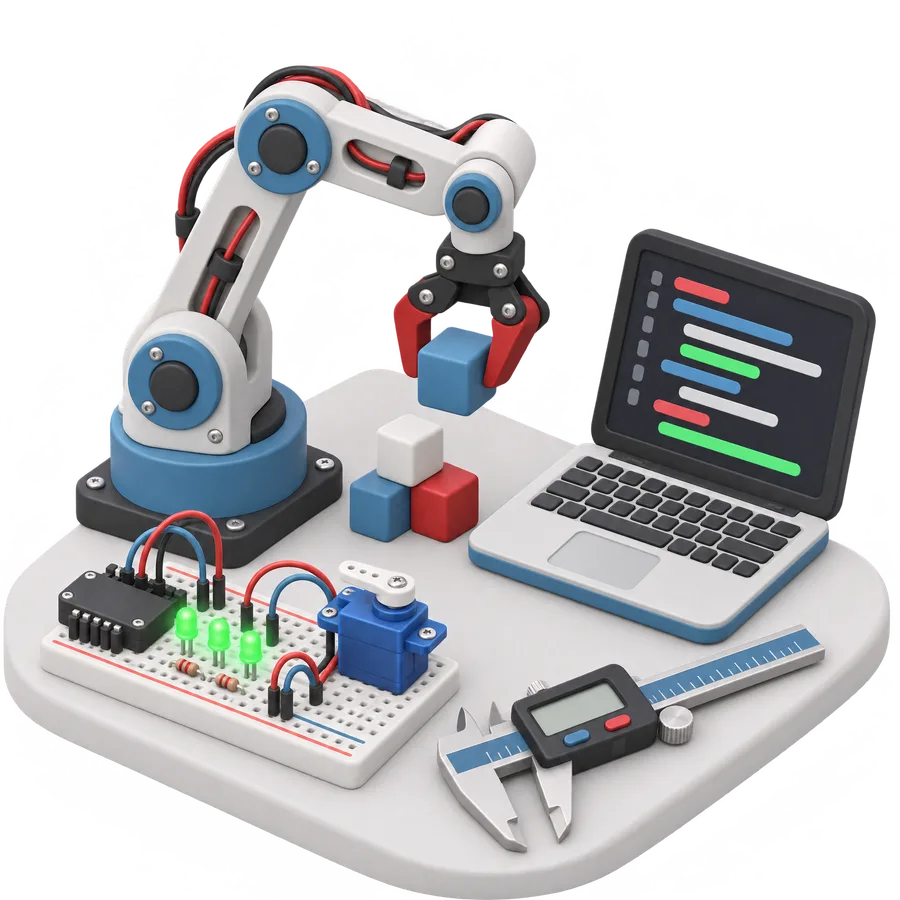
Level 3 · Ages 11–13
Grades 6–8: Systems
Real code, real circuits.
What they build
- A desktop robotic arm
- Breadboard circuits with LEDs and servos
- Line-following robots
What they learn
- Python basics: variables, functions, logic
- Circuits and safe wiring
- Debugging methodically
- Documenting a build
Sample project · Code a robotic arm to sort coloured blocks into bins.
After 3 months: Writes and debugs small Python programs that control real hardware.
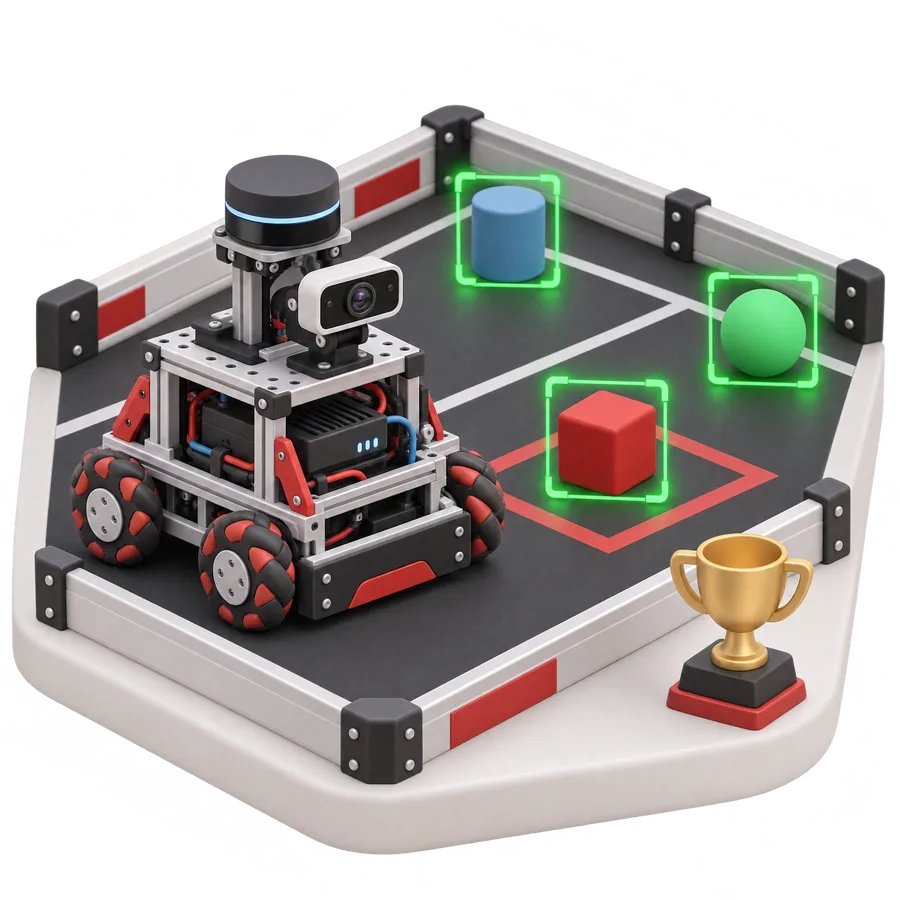
Levels 4–5 · Ages 14–18
Grades 9–12: Autonomy + Competition Lab
Robots that think for themselves.
What they build
- Autonomous robots with state machines
- Computer-vision object finders
- Competition robots for RoboCupJunior-style challenges
What they learn
- Control loops and PID
- AI and computer-vision basics
- CAD and 3D design
- Team strategy and engineering portfolios
Sample project · Build a robot that finds, identifies and pushes target objects on its own.
After 3 months: Designs, tunes and explains an autonomous behaviour from scratch.
The journey, level by level.
Each level ends with a showcase and a badge. Students move up on readiness, confirmed by their instructor.
- 1
Explorers
Grades K–2
Follows a sequence and explains what a robot will do.
Badge: First Spark
- 2
Builders
Grades 3–5
Combines loops, conditions and first sensors.
Badge: Gear Guru
- 3
Systems
Grades 6–8
Writes Python, wires circuits, debugs methodically.
Badge: Bug Hunter
- 4
Autonomy
Grades 9–12
Designs robots that decide for themselves.
Badge: Pilot
- 5
Competition Lab
Grades 9–12
Competes, documents and presents like an engineering team.
Badge: Contender
Every skill, at the right depth.
The same nine strands run through every level. What changes is how deep they go.
| Strand | ||||
|---|---|---|---|---|
| Robotics fundamentalsHow robots sense, decide and act. | ||||
| Coding and logicFrom picture blocks to Python. | ||||
| Sensors and electronicsCircuits, motors and the signals between them. | ||||
| Mechanical designGears, linkages, chassis and CAD. | ||||
| SimulationTest ideas in a virtual world before building. | ||||
| AI basicsData, decisions and robots that see. | ||||
| Project documentationBuild logs, diagrams and portfolios. | ||||
| Teamwork and presentationExplain, demo and give feedback. | ||||
| Competition readinessStrategy, iteration and performing under pressure. |
Age matters. Readiness matters more.
A Grade 6 beginner and a Grade 4 student who has coded for two years need different classes. Our 60-second quiz suggests a level; a short call with an instructor confirms it.